I queried the compatibility of old n-Track songs recently, I was using n-Track 7 which was before the introduction of Dynamic EQ. I’m still having trouble loadng these old songs in n-Track 10 due to what we discovered was an incompatible compressor plugin.
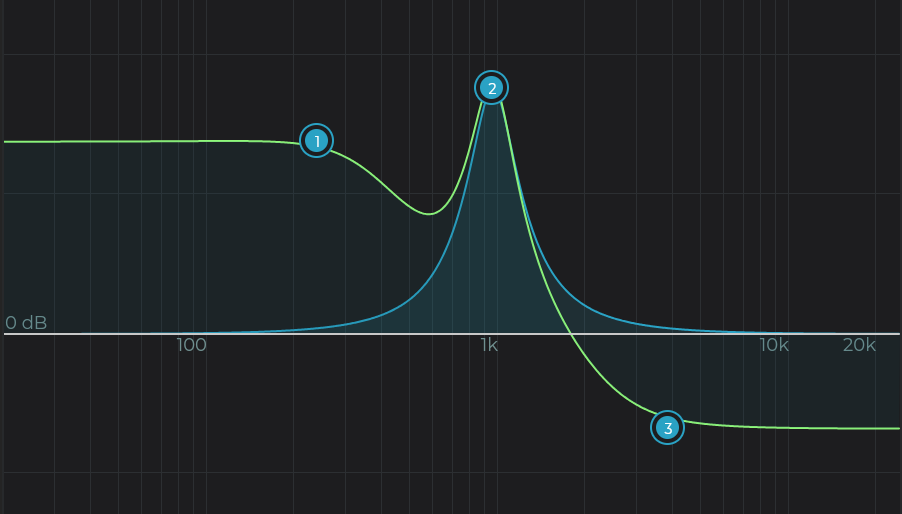
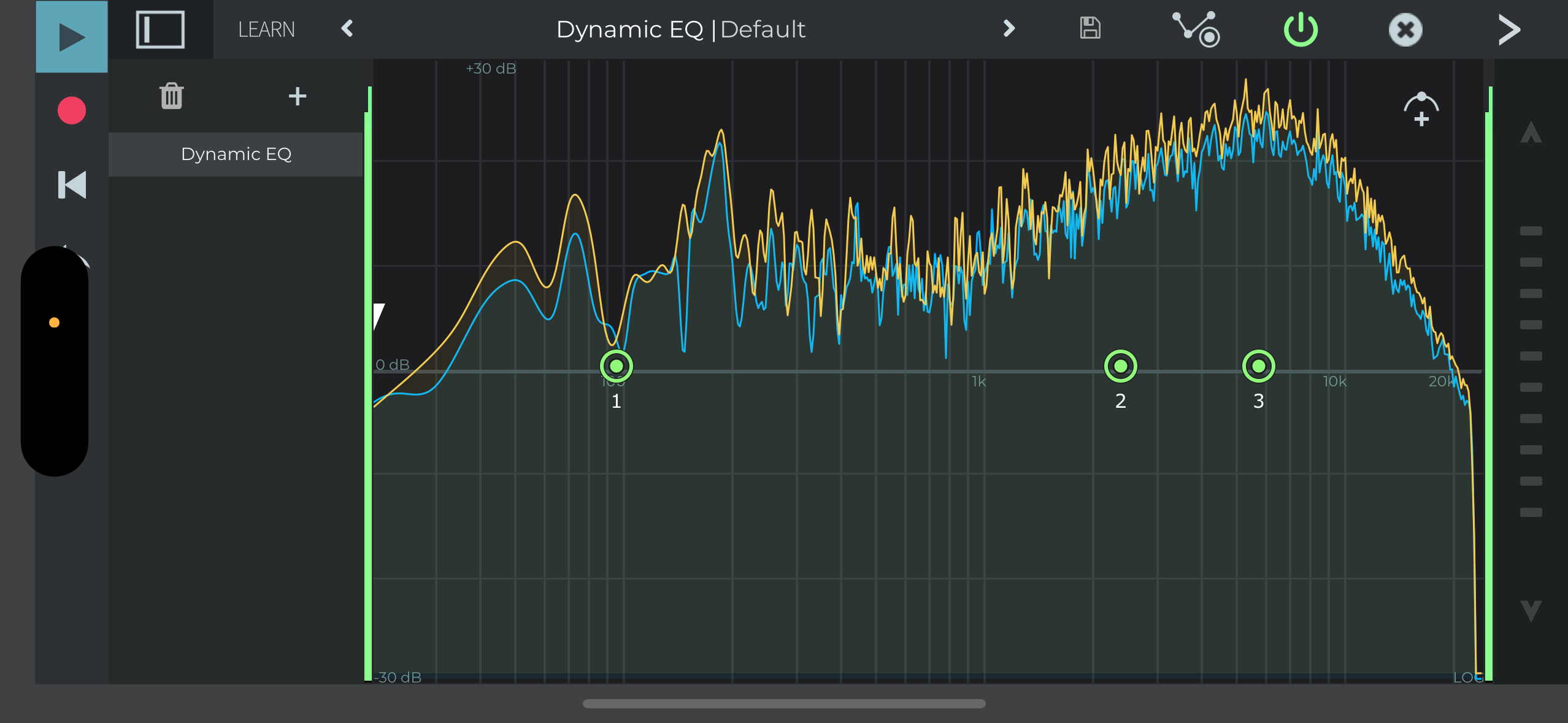
I felt I understood the way the EQ used to work with just one curve, but of course now I can’t compare the EQ settings directly due to the introduction of the green and blue curves showing differently, which I find confusing. So my question is: is there a description somewhere of what the green and blue curves represent? And I presume that there is not an option to go back to the old single curve display?
It’s ok, I’ve figured it out, I only really need to concern myself with the green curve. I’m still not entirely happy it’s not backward-compatible though, the only way I can reproduce my original mix in n-Track 10 is to take screen shots of the curves in n-Track 9 and manipulate the “new” UI to get an approximation of the original curve. They’re certainly nowhere near where they were, resulting in a horribly dull mix.
Yes the green line is the overall EQ frequency response, the blue line is the frequency response of the selected band only, i.e. as the selected band was the only band active.
My only wish for EQ is that we could see frequency numbers or type in a desired frequency to be a little more surgical with where and how many DB my EQ’s are.
And more presets (mastering dynamic ones across the spectrum like the Smooth EQ?)
I actually have another comment to make, when adjusting the virtual “knobs” (e.g. Slope) in the EQ view, the response is very rapid and it’s difficult to fine tune with the mouse. I tried using the up and down arrows on the keyboard, but only the down arrow seems to have any effect? I’ve had to resort to “coarse tuning” too far one way, and then using the down arrow to fine tune back the other way.
I’ve added showing and editing EQ bands frequency/boost numbers via keyboard for iOS/Android to our todo list.
I’ve reproduced the issue with the up/down keys both moving the knob down, will be fixed in one of the next updates.
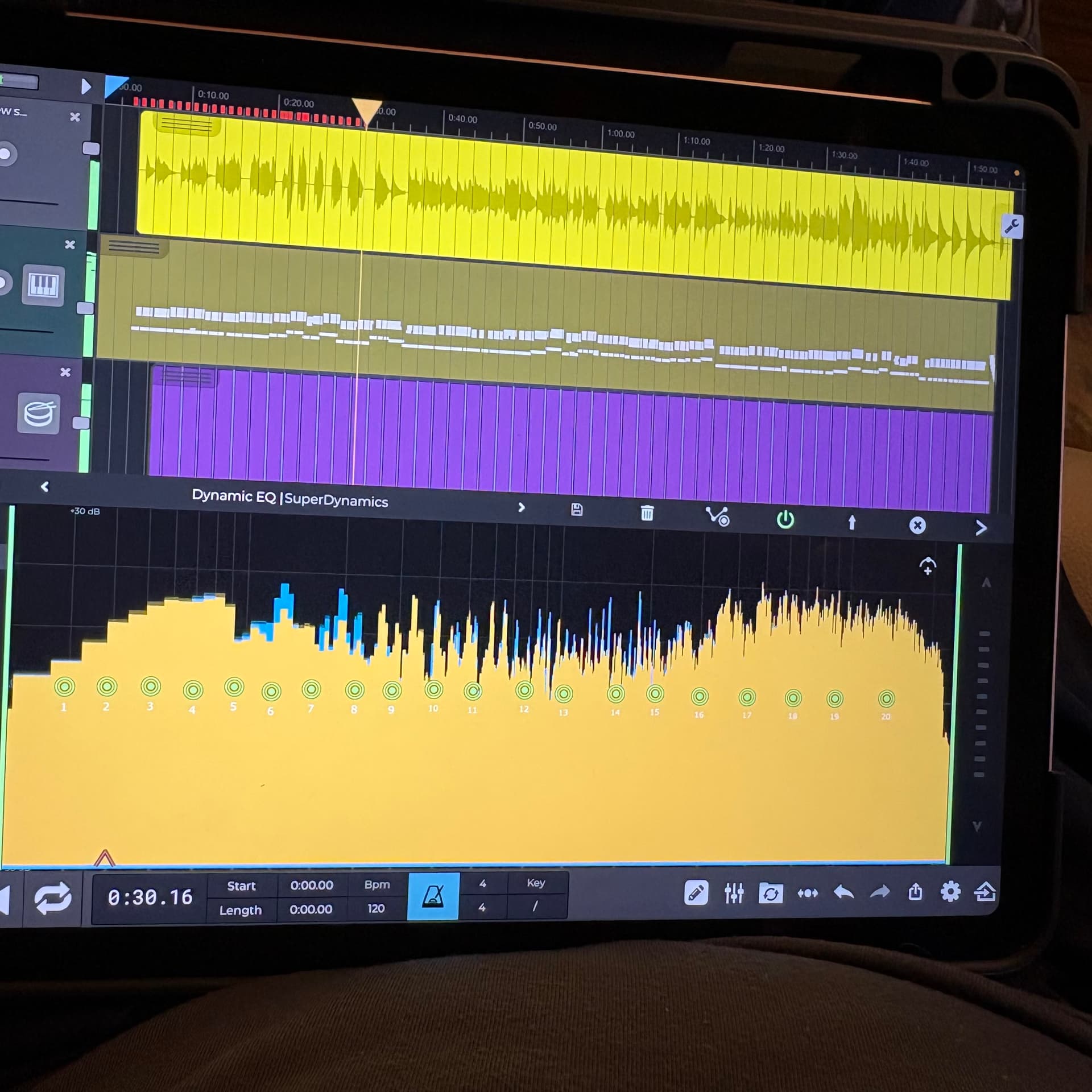
How do I change my iPad bars back to the level lines in the iPhone version?
EDIT- I found the settings to change the display in the settings button inside a new black EQ screen. Very intuitive once you get comfortable with how n-Track is designed. All fixed, thanks as always!!!