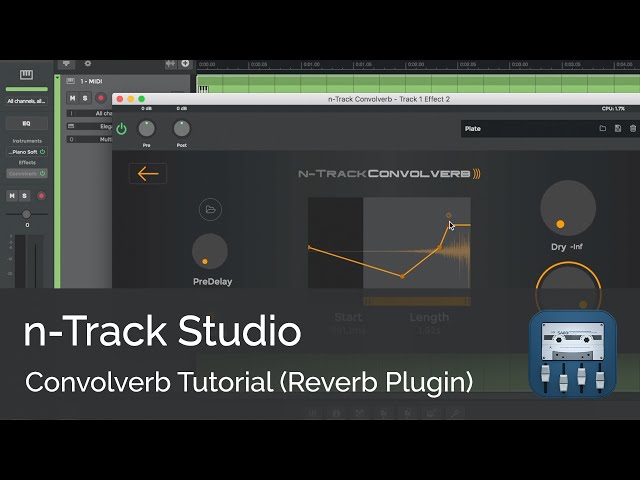
When I add more on IR presets it sounds the same
I can’t adjust the audio because it doesn’t pop up
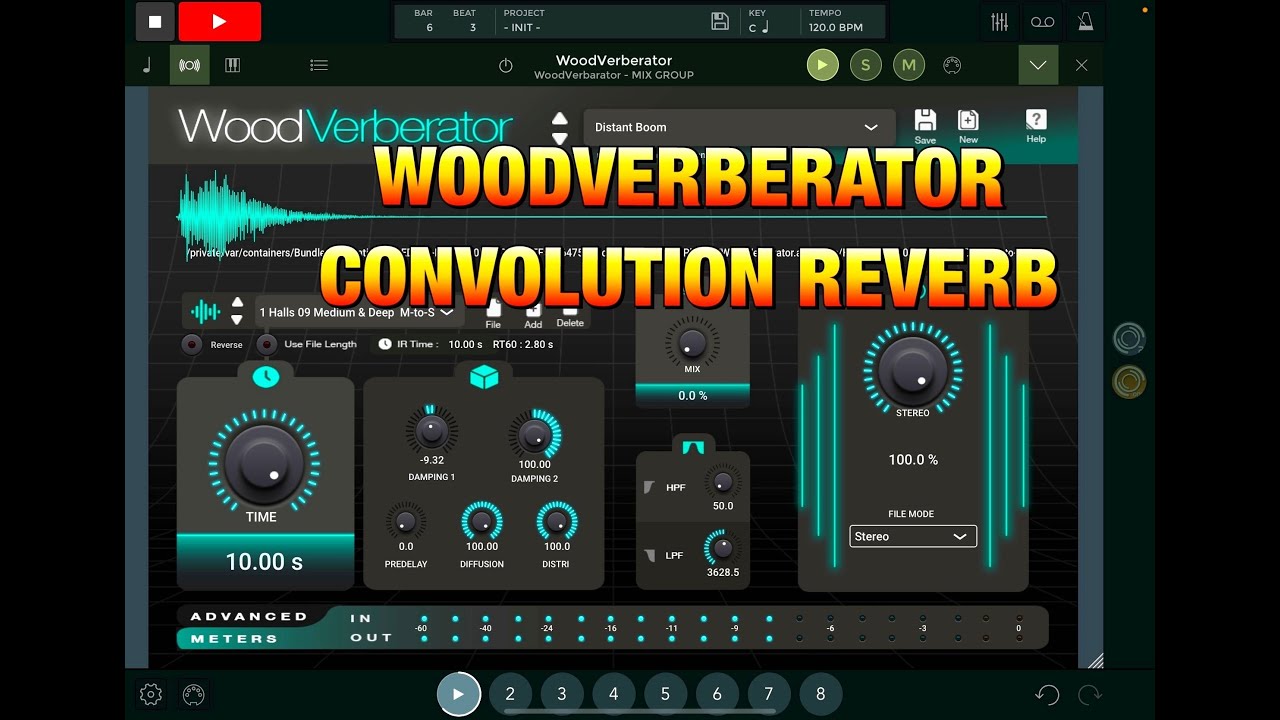
but also have it to where we can add our own image
to our presets to make it more convenient like the
woodverberator plugin with better accuracy
When I add more on IR presets it sounds the same
I can’t adjust the audio because it doesn’t pop up
but also have it to where we can add our own image
to our presets to make it more convenient like the
woodverberator plugin with better accuracy
I’m not sure of what you mean when you say “it doens’t popup”. Please post a short video showing what happens. You can load custom impulse responses in Convolverb by selecting the waveform icon, then the folder icon in the top left. Note that you can import only .wav files. If you have an impulse respose in another format such as mp3, m4a etc, import it first on an audio track. You can then import into Convolverb the .wav file that n-Track created for the audio track converting the mp3/m4a etc.
Flavio.
Hi. I have recently searched for microphone impulse response.wav files in the web and not found any that I’ve been successfully able to download into my files an on iPad/iPhone and then import into Convolver. My results consistently yield a file with no impulse to use. On the Convolver video it is not shown where to find suitable files, and the vocal file that was imported sounds like it plays in addition to the Piano instrument we are trying to reverb. I simply want to reverb effects without hearing the actual voice that was imported in that example. (My use case is to import Impulse responses from other rooms to create unique reverb tones for my Microphone that I use to record my vocals). Thank you.