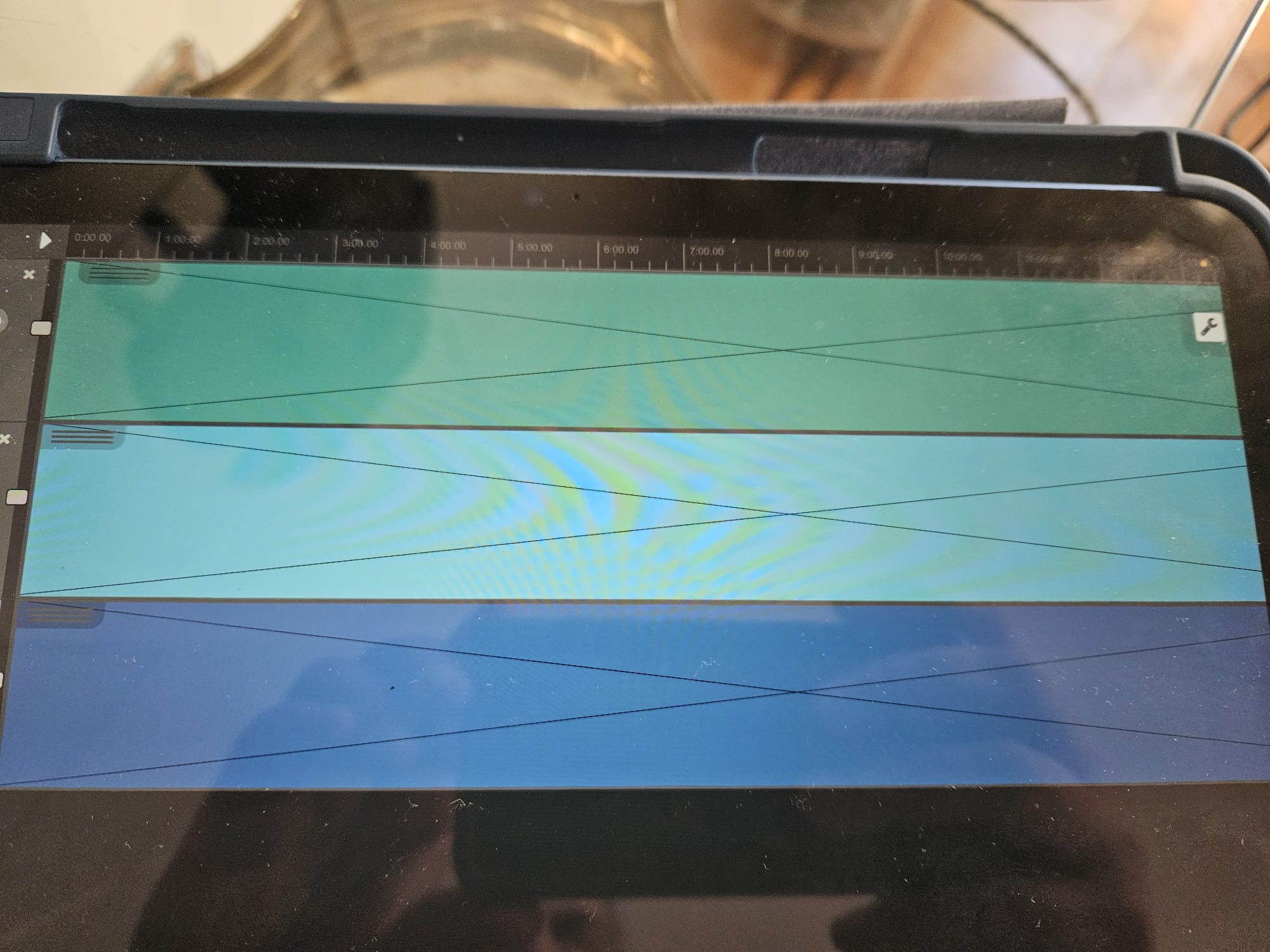
Dear all, running n-track Studio 10.4.66 on IOS 18.6 installed on an iPhone and iPad. I normally record multitracks long pieces of music (2+ hours). When the music has that duration, on both devices once I stop the recording, the software is (auto) saving the project but when I open it, all tracks are empty and there is no music (I get a big cross instaed of music in the various tracks), like if the project is not pointing to the right music files.
When I access the single music files, they are indeed there (I am saving in the device, no cloud) but they contain no music although the files are NOT zero kb so there must be something there).
Any help there? I am pretty sure I am doing something wrong because the same behaviour is in both iPhone and iPad (both with enough disk space)
could you please send one of the .wav files that show the issue to support@ntrack.com via a file sharing service such as Dropbox or Google Drive, so that we can inspect it to see if we can identify the issue? Also I assume the issue occurs only if the recording is long, i.e. if it’s just a test recording of a few seconds do the waveforms appear correctly and the audio plays?
Hello Flavio, thanks for your answer. Will send one of the audio empty files.
Yes indeed the problem occurs when it is a long audio file.
For your info: Most of times when I use the iPad to record I am outdoor without wifi connection so when I open n-track I get an error message that the software is unable to synch-up with my account.
thanks for sending the wav file. We were able to identify the issue that was related to recorded .wav files being bigger than 2GB. The file metadata was not set correctly so the file appeared to have zero length, even though the audio data was actually there. The next update which should be released within a couple of days will contain the fix.
Many thanks Flavio and great to read that the problem has been identified. Look forward for the next update!
PS: Some recording devices (such as Roland Edirol r-09) record by chunks of 2GB files. The recording is flowless but if the total file is for example 3.14 GB, it will create 1 file of 2GB and 1 file of 1.14 GB. I guess this is done to avoid managing files that are too large in size…