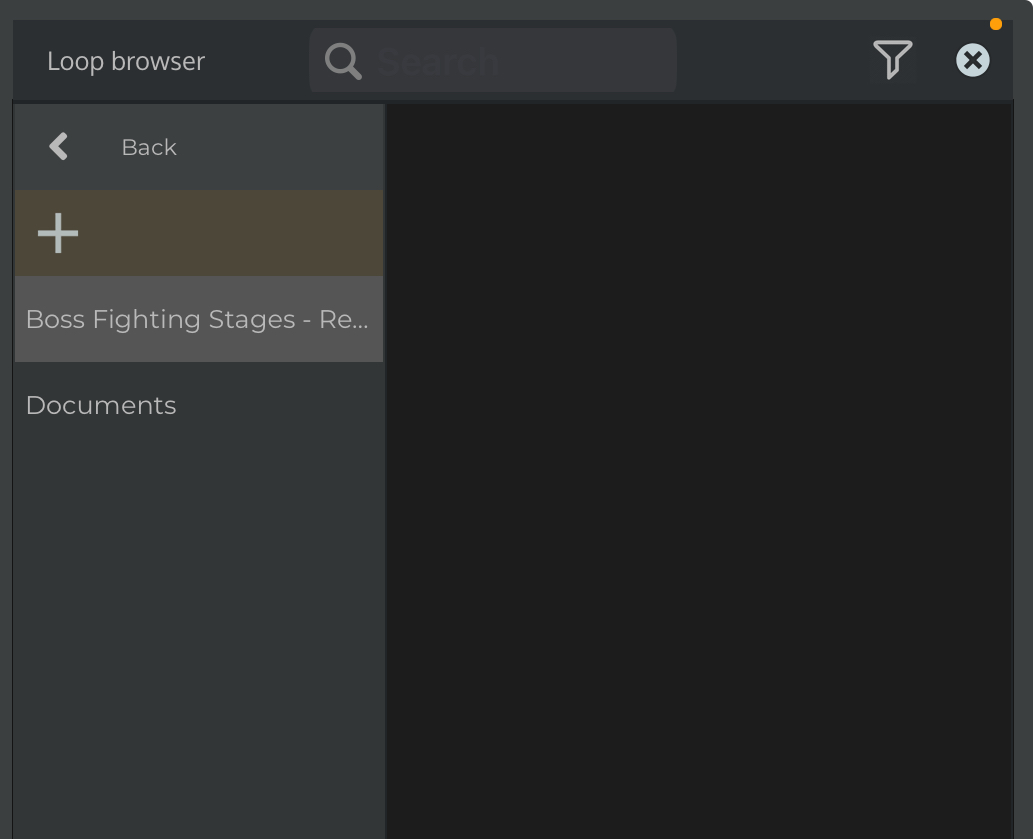
Hello. I’m using n-Track Studio v. 10.4.135 on iOS, and I encountered what seems to be a slight issue. I am fairly new to using this app, so please bear with me. While I was in the loop browser, I had thought that importing documents into the “My folders” tab would import audio files. What actually happened when I tried importing one was that n-Track made a folder using the same name of the audio file I was trying to import. Normally, I wouldn’t consider this an issue, but I’ve found that I can’t actually do anything to remove or delete it. Any assistance would be greatly appreciated here.
1 Like
The + button is supposed to be used to add a custom user folder to the loop browser so that you can import loops from your loop library. The fact that you can select a file instead of a folder is a bug that will be fixed in the next update, which will also allow deleting a file/folder that was already added.
Currently you should be able to add the folder where the files that you want to import are located, so that you can then drag and drop the files from the loop browser into the song.
If you instead want to import a single audio file once, it’s easier to just use the + button to add a track, then select ‘Import audio file’ and select the file from the file requester.
Flavio.
1 Like