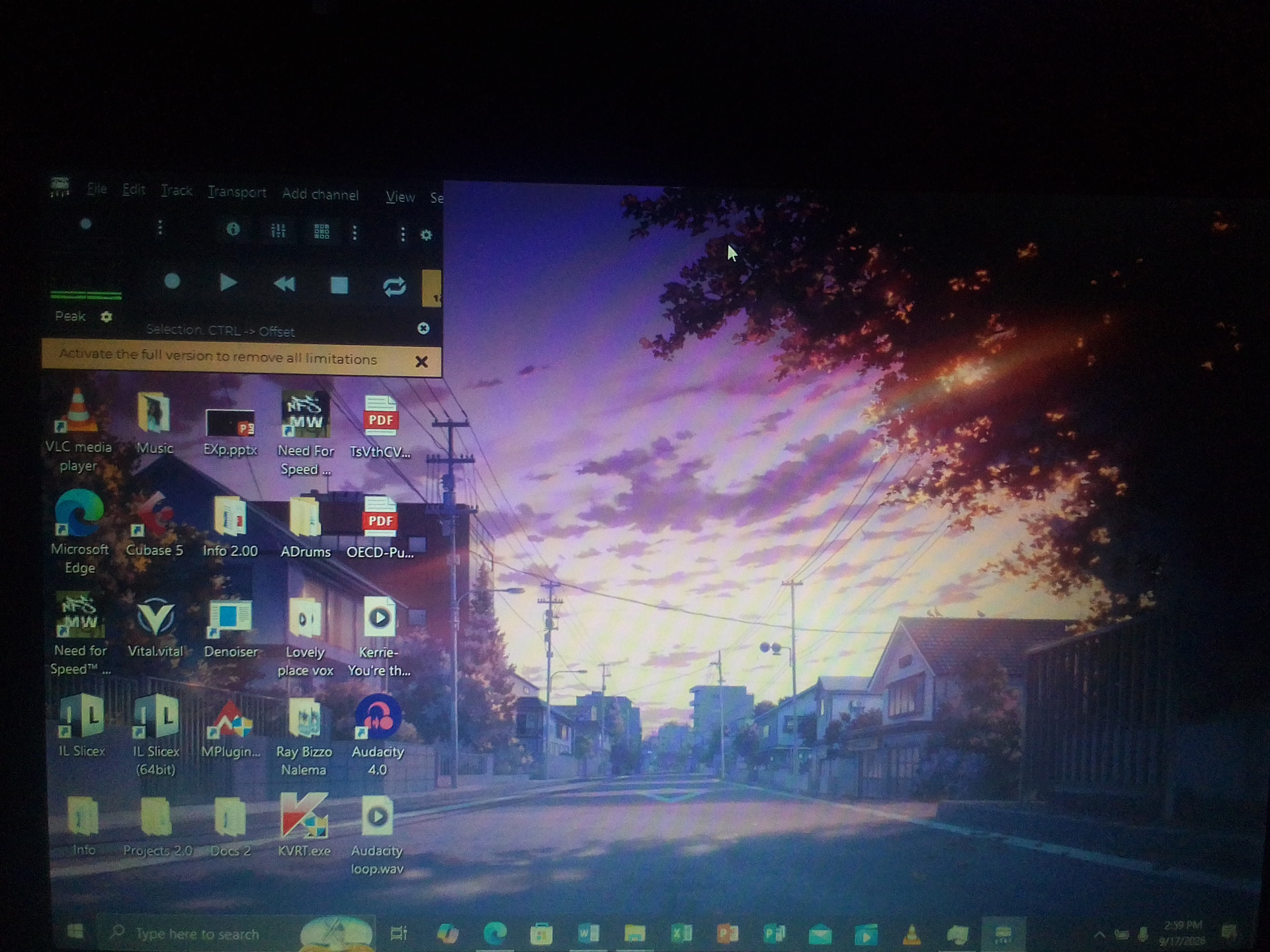
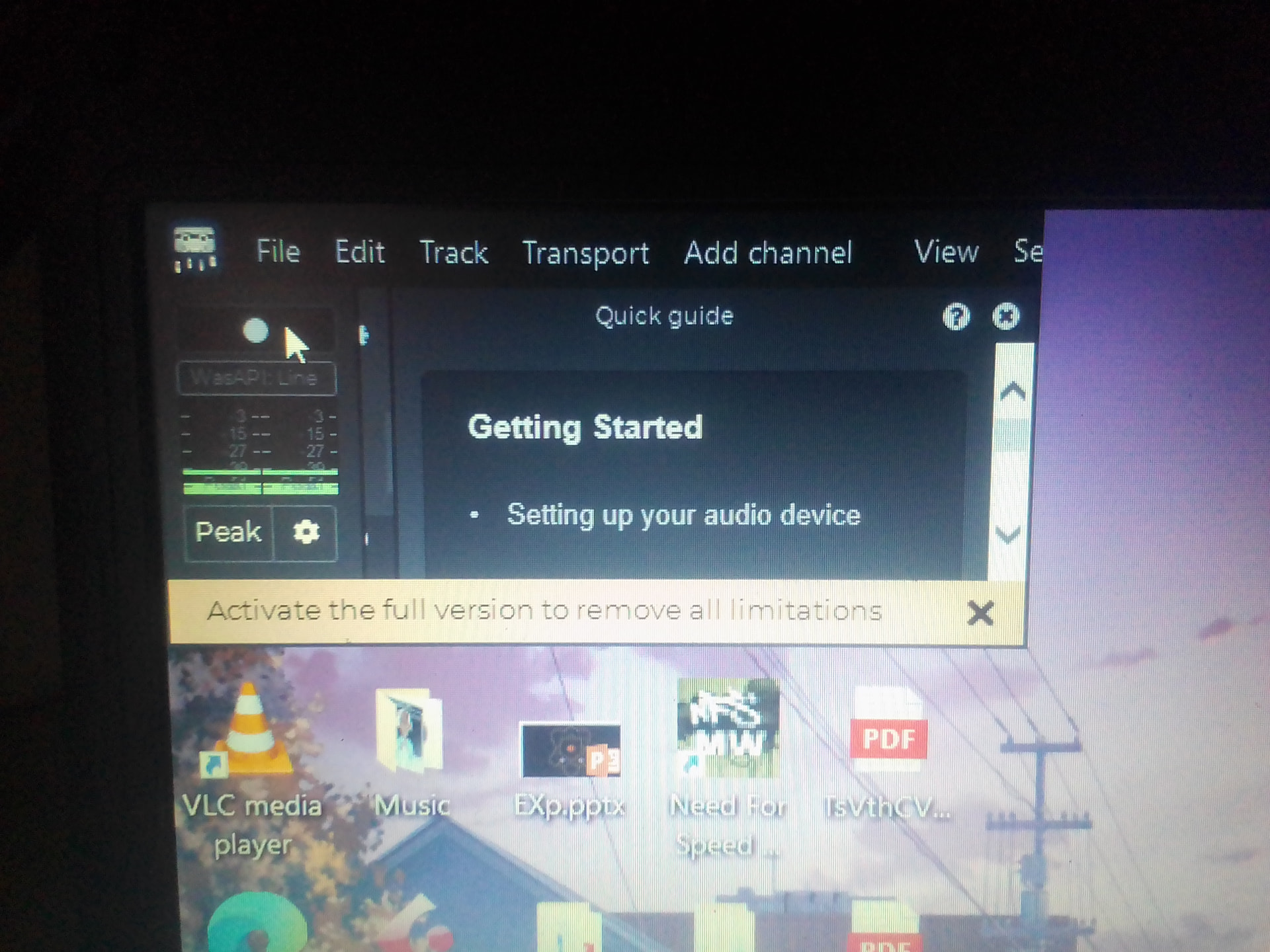
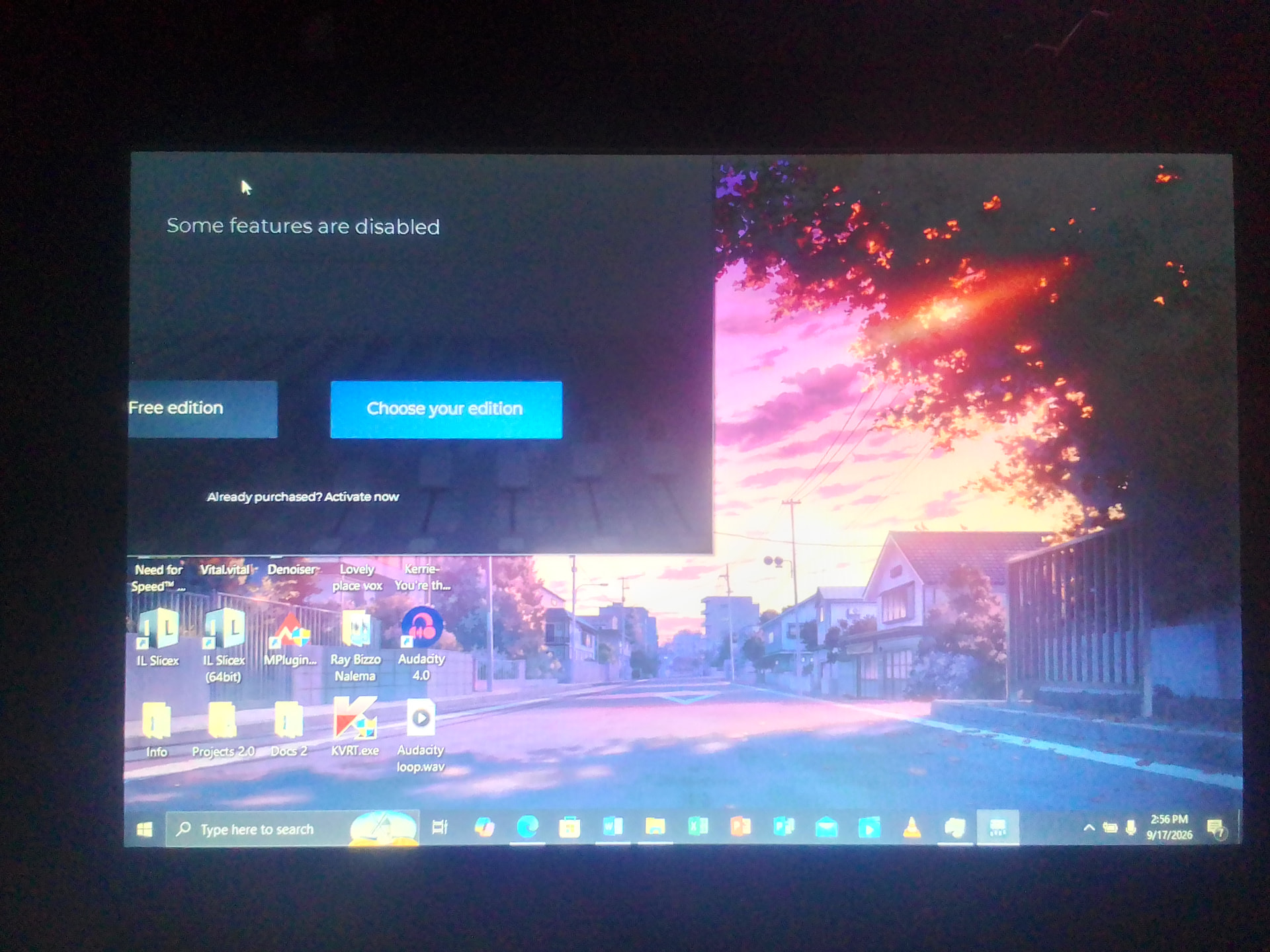
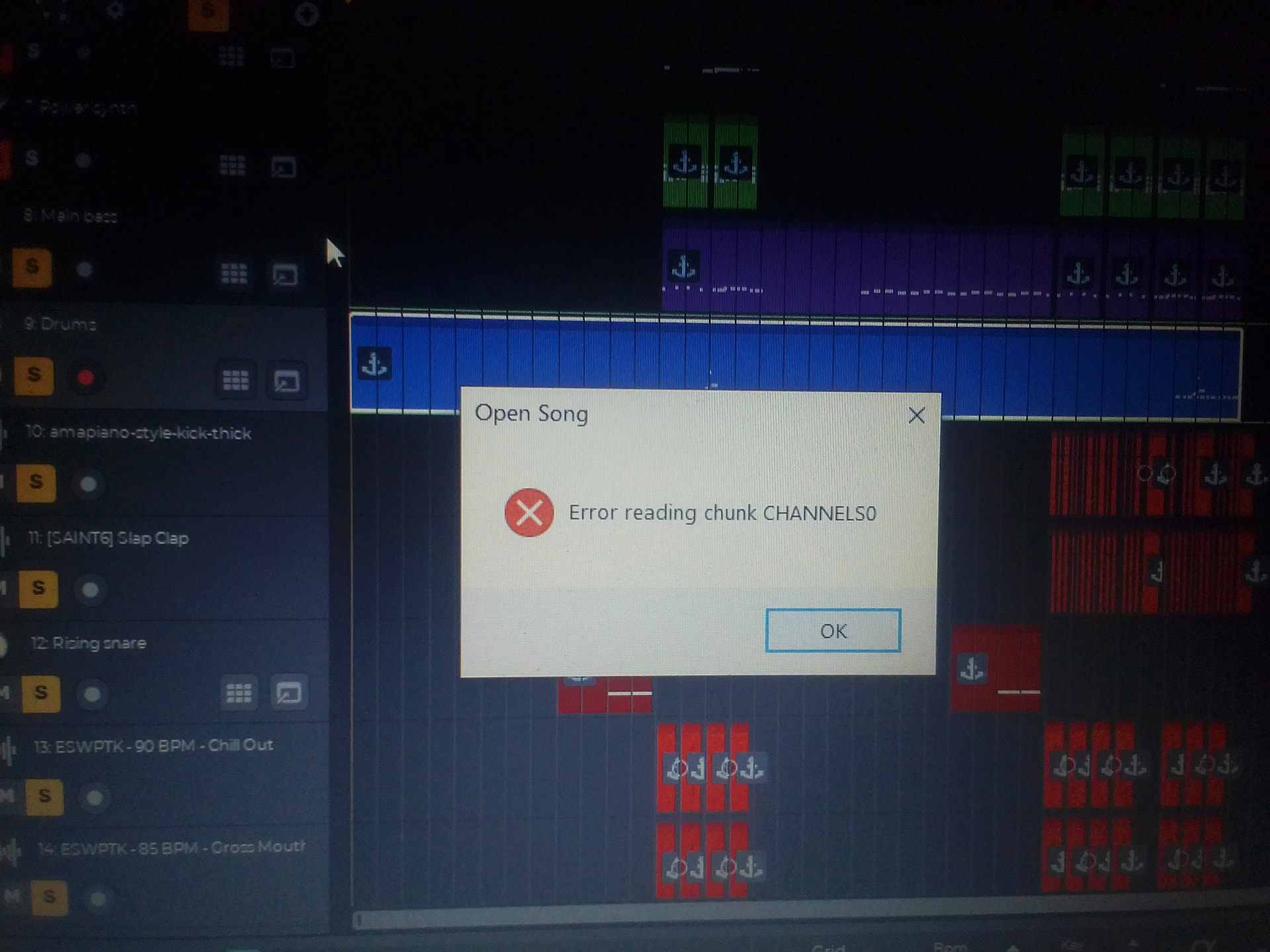
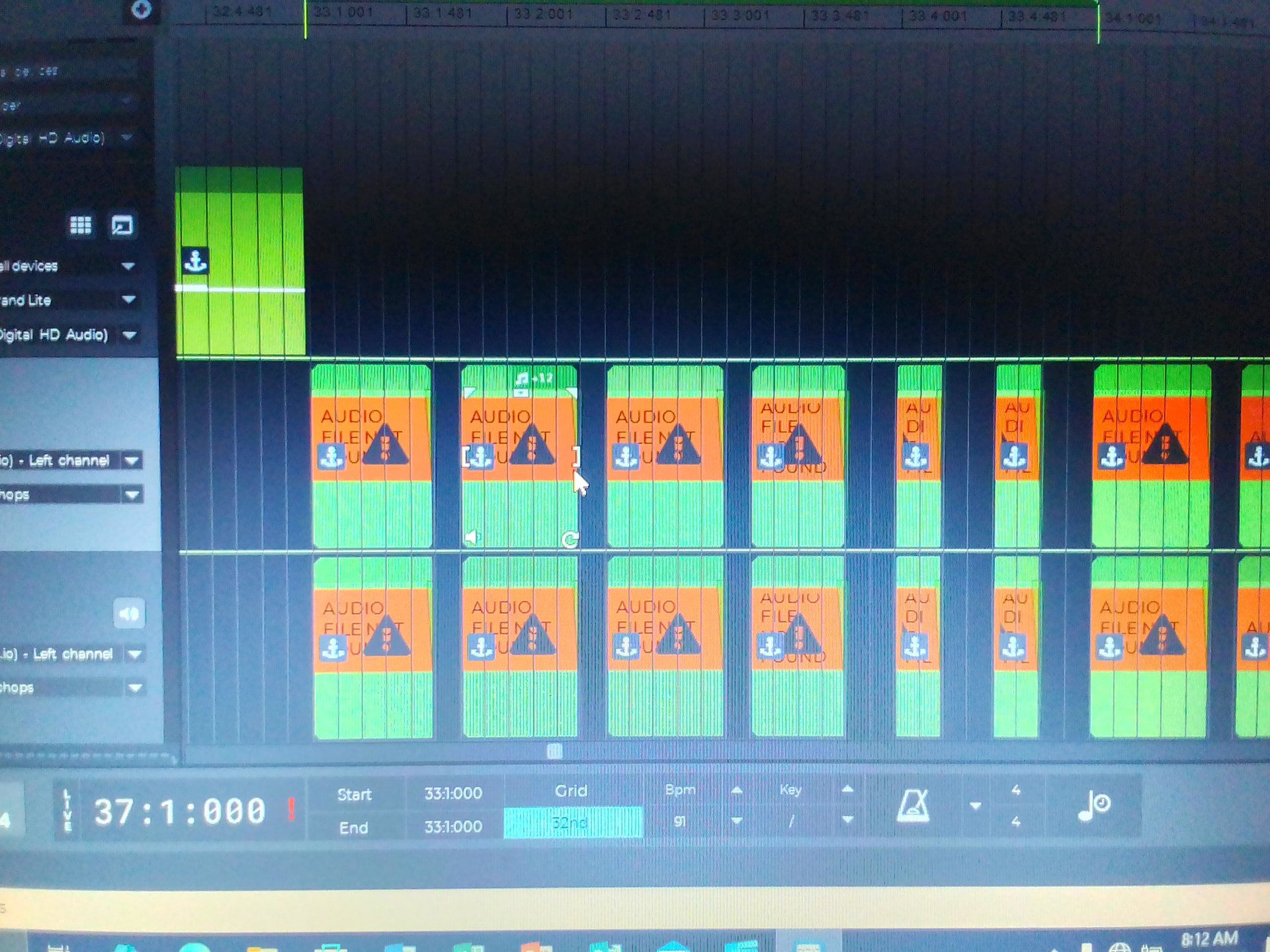
Pardon the low quality images as my PC can’t take screenshots for some reason.
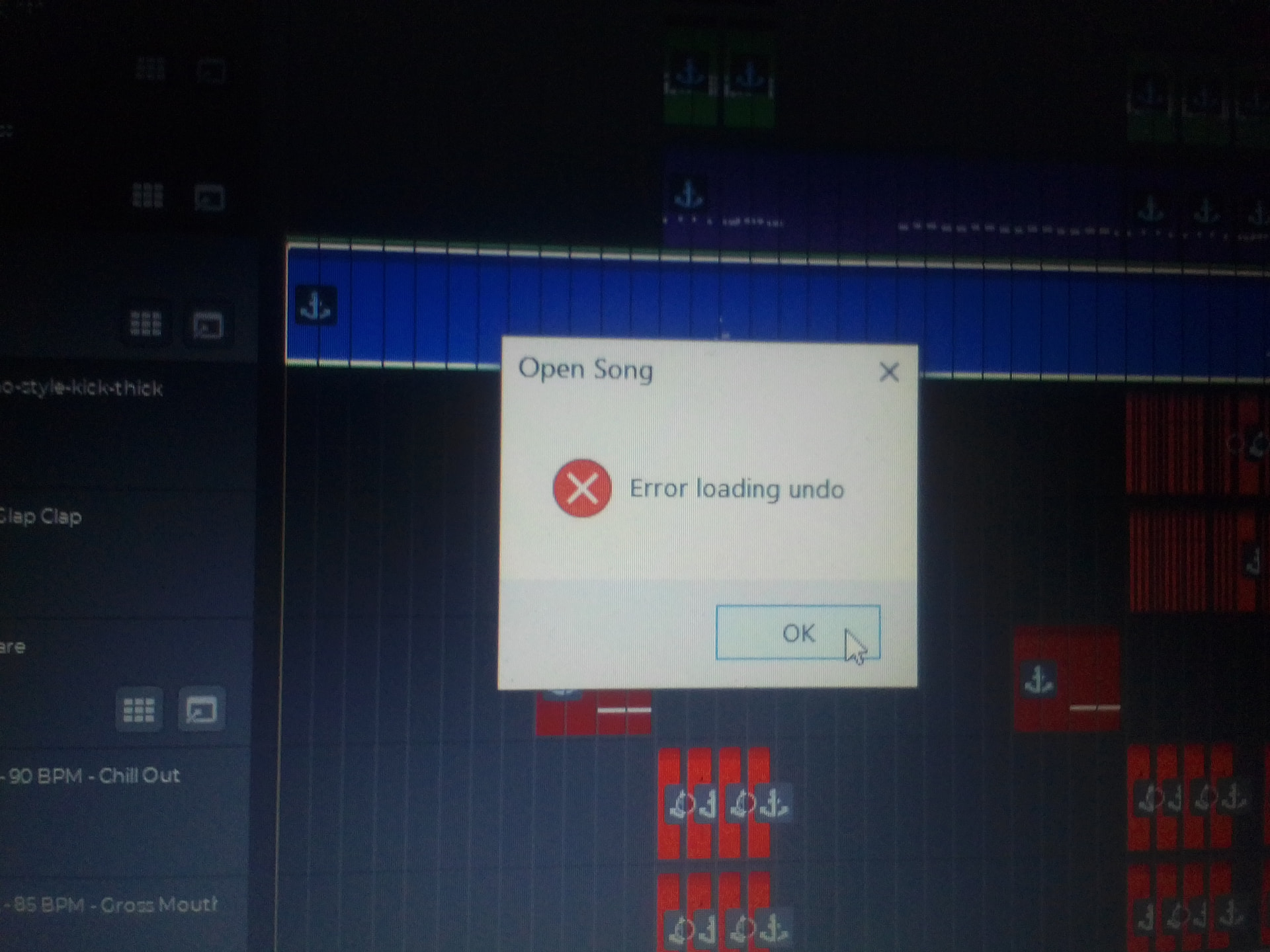
Secondly, I’m not sure if such bug was already reported or only affecting me, before I updated to the latest version, I have been receiving a bug where when I go to the “file” option in the left top corner of Ntrack and click “manage song folder”, then “cleanupsong folder” and error appears and the whole song crashes and when I reopen the file, audio files are missing, audio files like recordings as well as imported audios like kicks, etc disappear.
Below are the images of the errors and how it displays the missing a files:
Further, some of my songs crashed in the past, not because of the missing files but because of unknown reasons and they don’t accept being opened even upto now, every time I attempt opening them, they crash. I sometimes suspect it’s because of an overload such as a plugin overload or too many tracks, otherwise, any info on this will be appreciated.
The song(s) from the screenshots appear to be corrupted files. Are you able to load the previous versions of the files in the snapshots folder?
Please send one of the .sng files that shows the issue to support@ntrack.com so that we can take a look and try to diagnose what may have caused the file to become corrupted.
No I can’t open the songs from the snapshots because I often clean up the song folder to save up storage as snapshots can use up lots of space so I click on clean up song folder inside the app to remove specifically unused files such as old snapshots but it seems the bug is that it removes used files as well.
it appears that the sng file you sent is corrupt because it has been for some reason truncated to a smaller size than what the file should have been. This is most likely due to causes external to n-Track, such as an USB drive disconnected without telling the operating system to “eject” the disk, a power/battery outage etc.
The part of the song that is corrupt is the undo data. The main song should load and you should see the tracks. When there’s a corruption in the song file n-Track skips some steps in the loading of the song that may create problems later such as fixing the path of the audio files from the sng-file local paths stored in the song. We’ll make the loading of the sng more resilient to errors in the next update, so no step will be skipped even in the case of a corrupted file.
If the missing waveforms issue you mentioned is related to songs like this one that show the ‘error loading chunk’ message, then the issue is most likely related to the issue with the steps skipped when there’s a corruption in the file. In that case you should still be able to manually find the missing file, i.e. the file should be there, it’s only the reference in the sng file that is not resolved correctly. The next update will fix this.
If instead the issue happens with songs that don’t show the loading error, then that may be a separate issue. If you’re able to reproduce the issue (i.e. starting from a song that loads everything correctly and then doing the cleanup of the song folder causes files to be deleted) please send the song folder so that we can try to reproduce the issue.
Thx for the feedback. Yeah I can definitely try to reoccur the error, however you might have missed it but my Ntrack studio app isn’t opening right. Here is a video of it when I try to open Ntrack:
You should be able to resize the app window dragging on the right or bottom edges of the window. Alterntively try clicking on the app icon in the top left of the window, then select ‘Maximize’ from the popup menu. If this doesn’t help, close the app, then rename the app data folder usually located in “C:\Users[Your username]\AppData\Roaming\n-Track Studio 10”.
This will make n-Track revert to the default settings on the next start which should also cause the window to be maximized.
Hello Flavio, thank you so much for the help!.
My Ntrack has now maximized after I renamed the app data folder. The first two Alternatives didn’t work.
However, after Ntrack opened, some of the instrument packs I downloaded through “add on manager” such as general midi drums,etc, and all the plugin chains I had are not there. I have located the plugin chains folder and instruments packs in the Ntrack folder I renamed, should I copy the files to the new appdata folder or…?