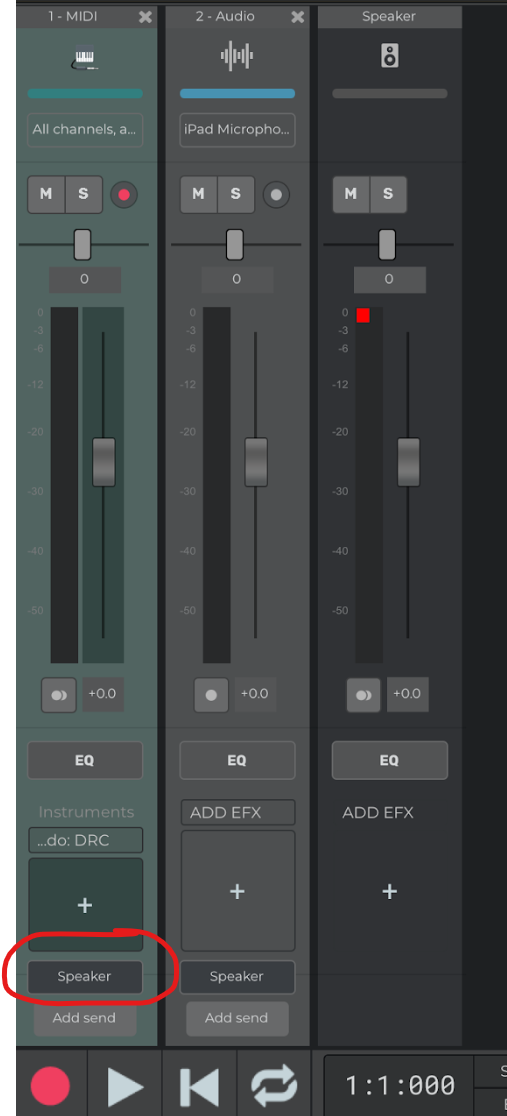
I haven’t used this feature for a while. but I just wanted to bounce down a MIDI track to an audio track, which I have done in the past by setting the output from the MIDI track to a new blank audio track, and then setting the record source for that track to “Record Routed Tracks”. But for some reason my MIDI track only allows output to the MIDI plugin - am I missing something here or has this changed?
Sorry, I did find that again but I couldn’t respond as it appears posts now have to be approved. I do have another question about how to automate aux sends, I can’t find the option to create an envelope for this. Should I create a new post for this topic?
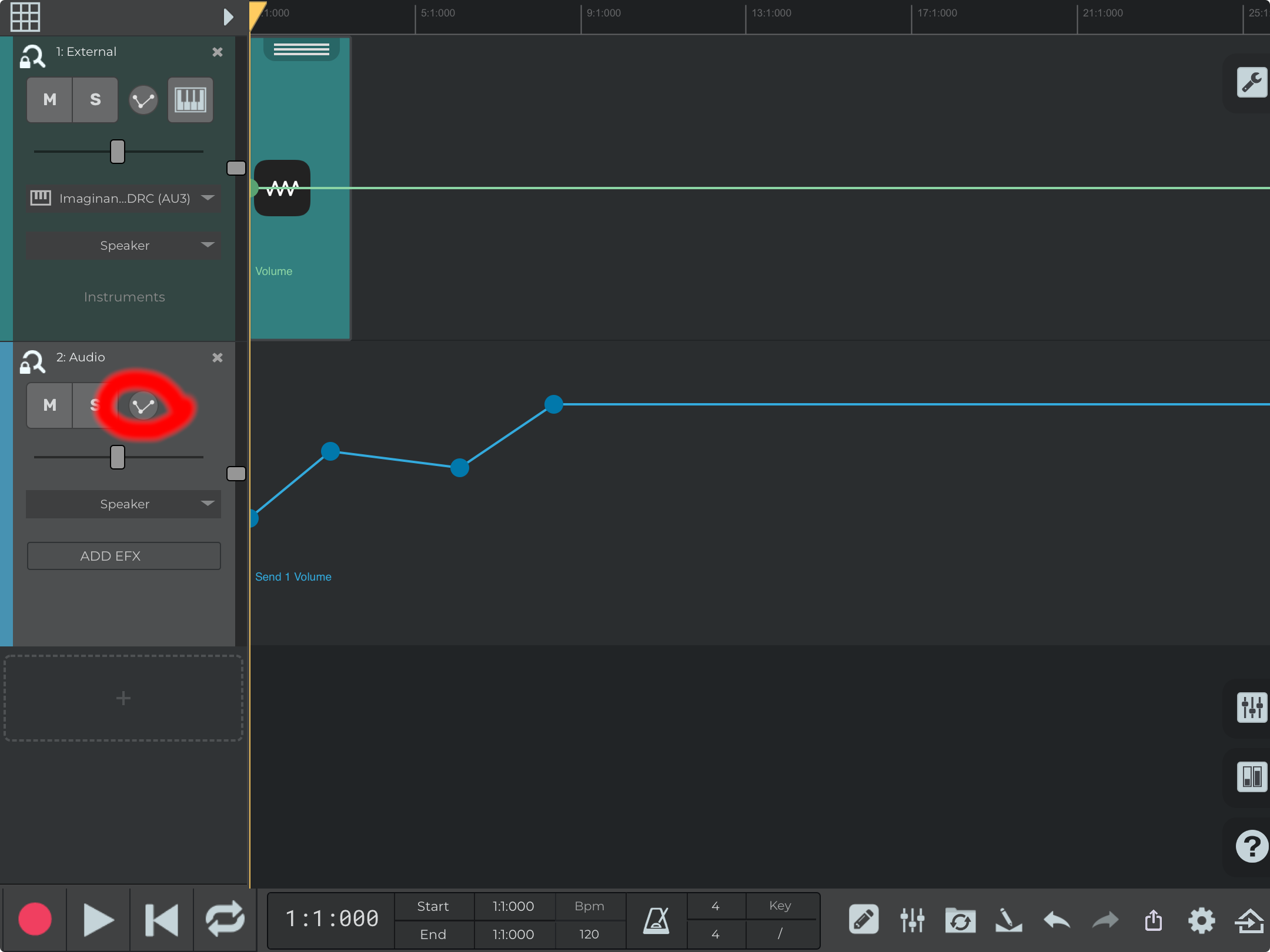
The track needs to have an aux send, then you can activate the envelopes editing mode with the tool mode button in the lower right, then you can select the aux volume envelope with the envelopes button in the track left sidebar (see screenshot).
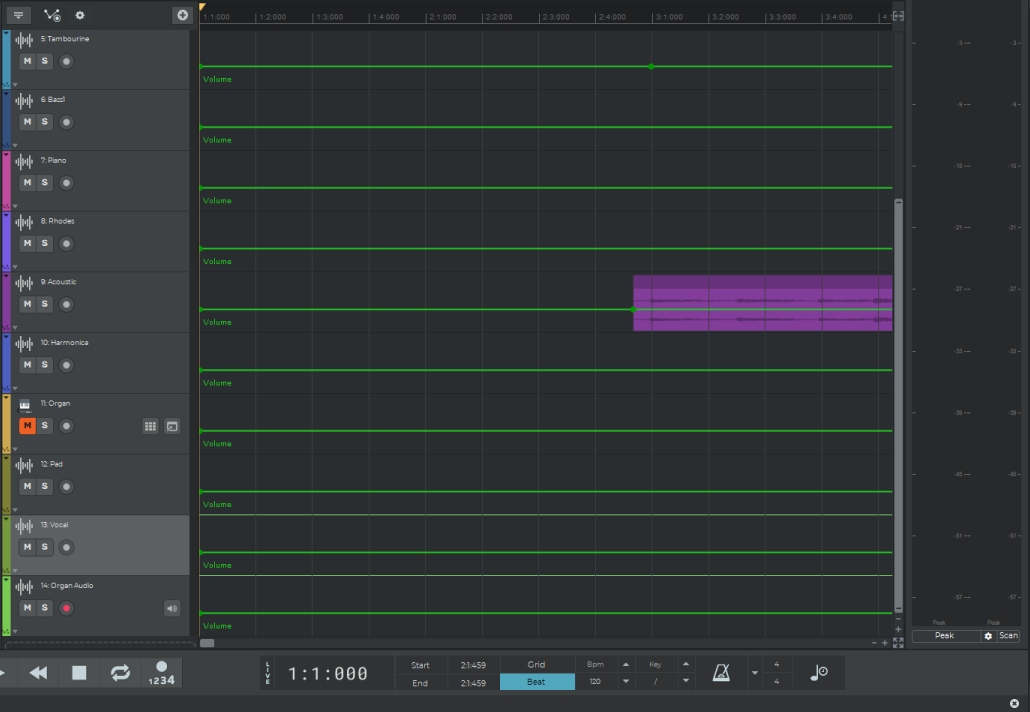
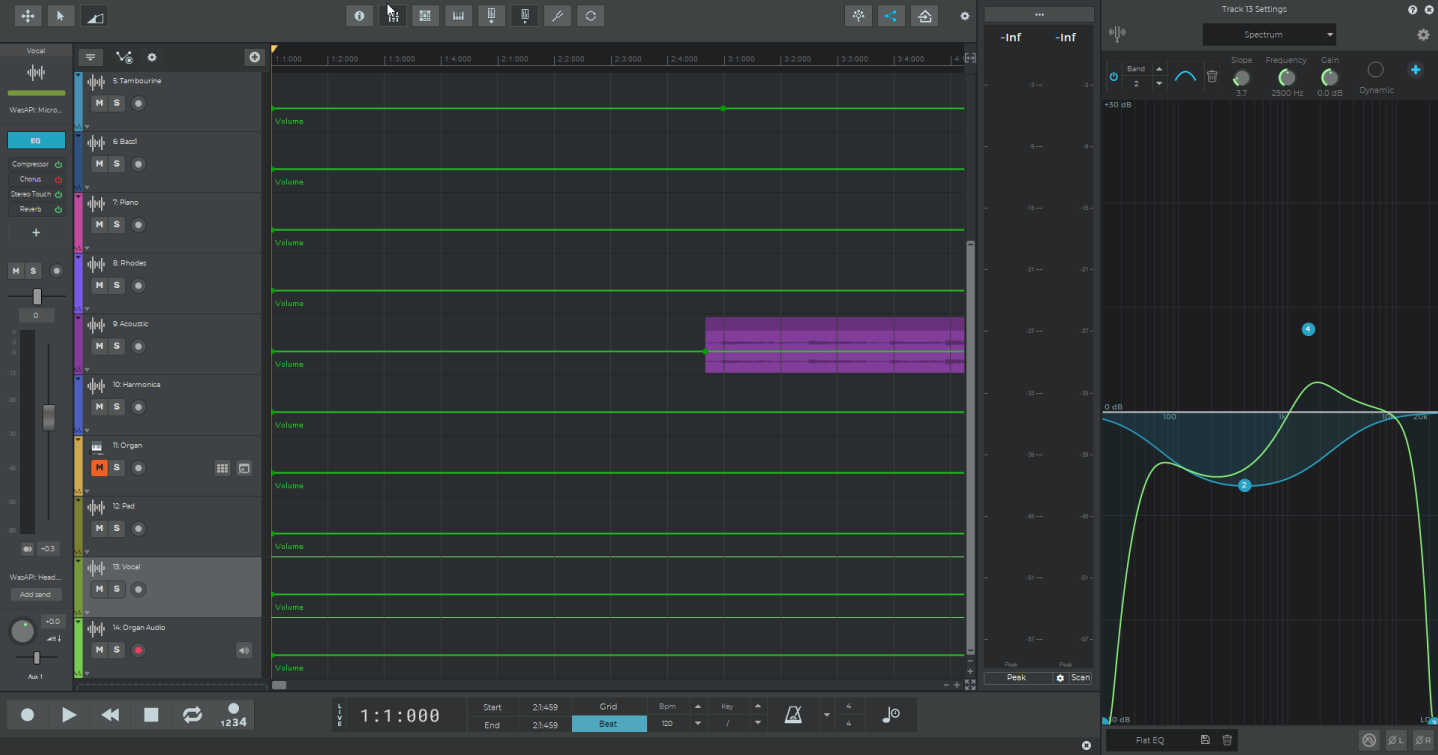
Sorry for some reason I thought you were on iOS. On desktop the button to enable the envelopes is in the top left and the one to add another envelope is in the bottom left of the track’s sidebar.
The envelopes are for the sends, so if the send 1 goes to Aux 3 you should still use the envelope for send 1. It’s the “Aux 1 volume” sign that’s wrong, should be “Send 1 volume”, the one shown below the actual envelope correctly shows the send # label. The label will be fixed in the next update.