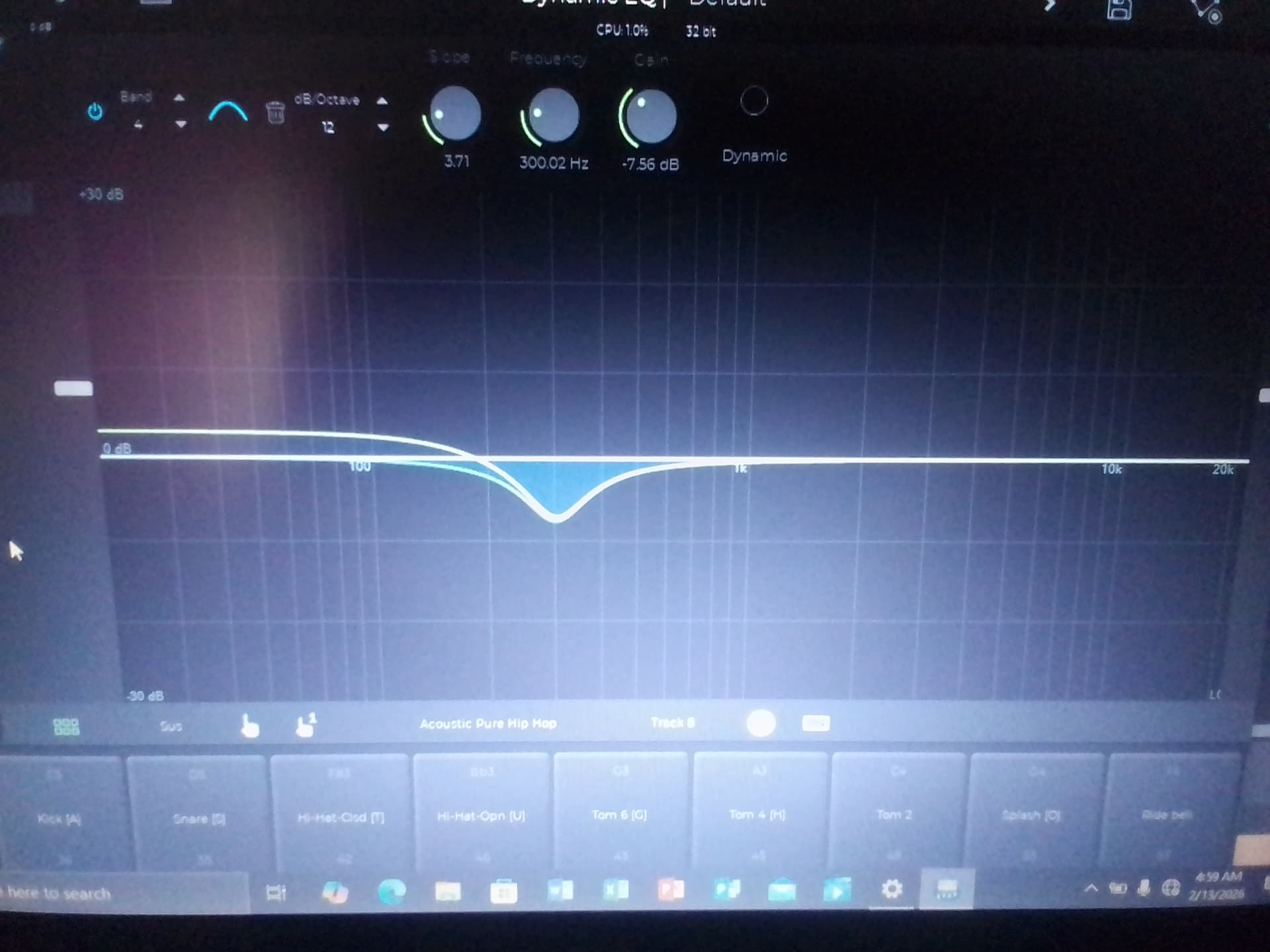
Hello, the Ntrack EQ is not displaying right on my PC, the bands are not showing, I don’t know what there names are but the photo below will tell what I mean
Another concern I would like clarity on is the new limitations the PC app has begun to display, for example the EQ requires someone to pay for a subscription for it to be turned to a dynamic EQ, the vocaltune can not be tempered with anymore without a subscription, one can’t save a wave file to 24 bits and above without a subscription, hence I’m wondering if this is only showing for me or were there changes made to the software.
The limitations you describe are of the Free edition. Those limitations shouldn’t be there in the purchased or subscribed version. You can find a list of the limitations in the Free editions clicking on the “Free edition info” link on the download page.
We recently changed the Free edition, previously most of the features were active but the mixdown was limited to 10 seconds, so it was basically meant to be evaluated only. Now we’ve disabled some features but removed the length limitation on the mixdown so you can effectively use the Free edition for real projects.
Oh wow that’s amazing, thankful to the team for removing the mixdown length, that was a challenge for me, awesome stuff and thx for giving more clarity.