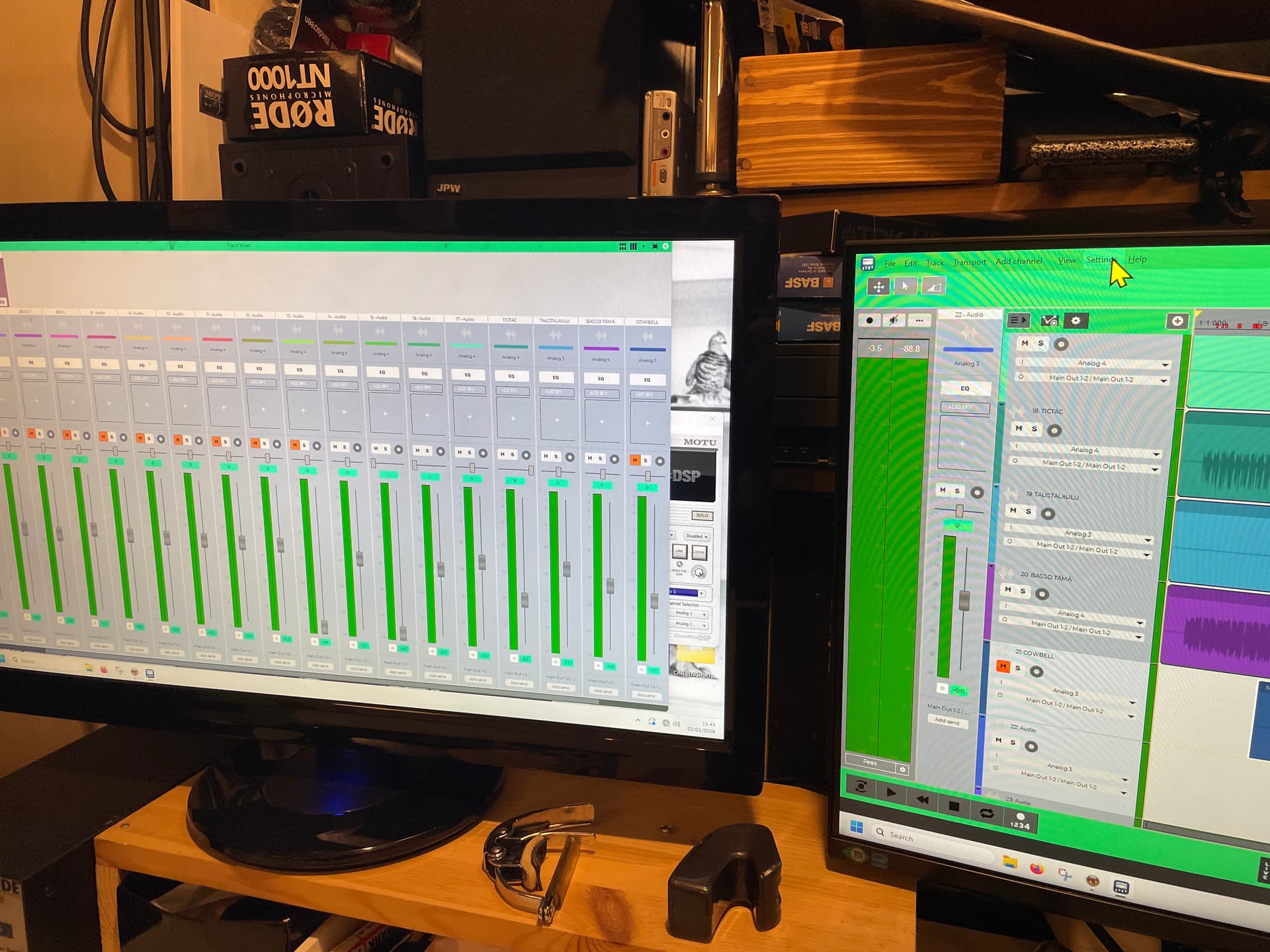
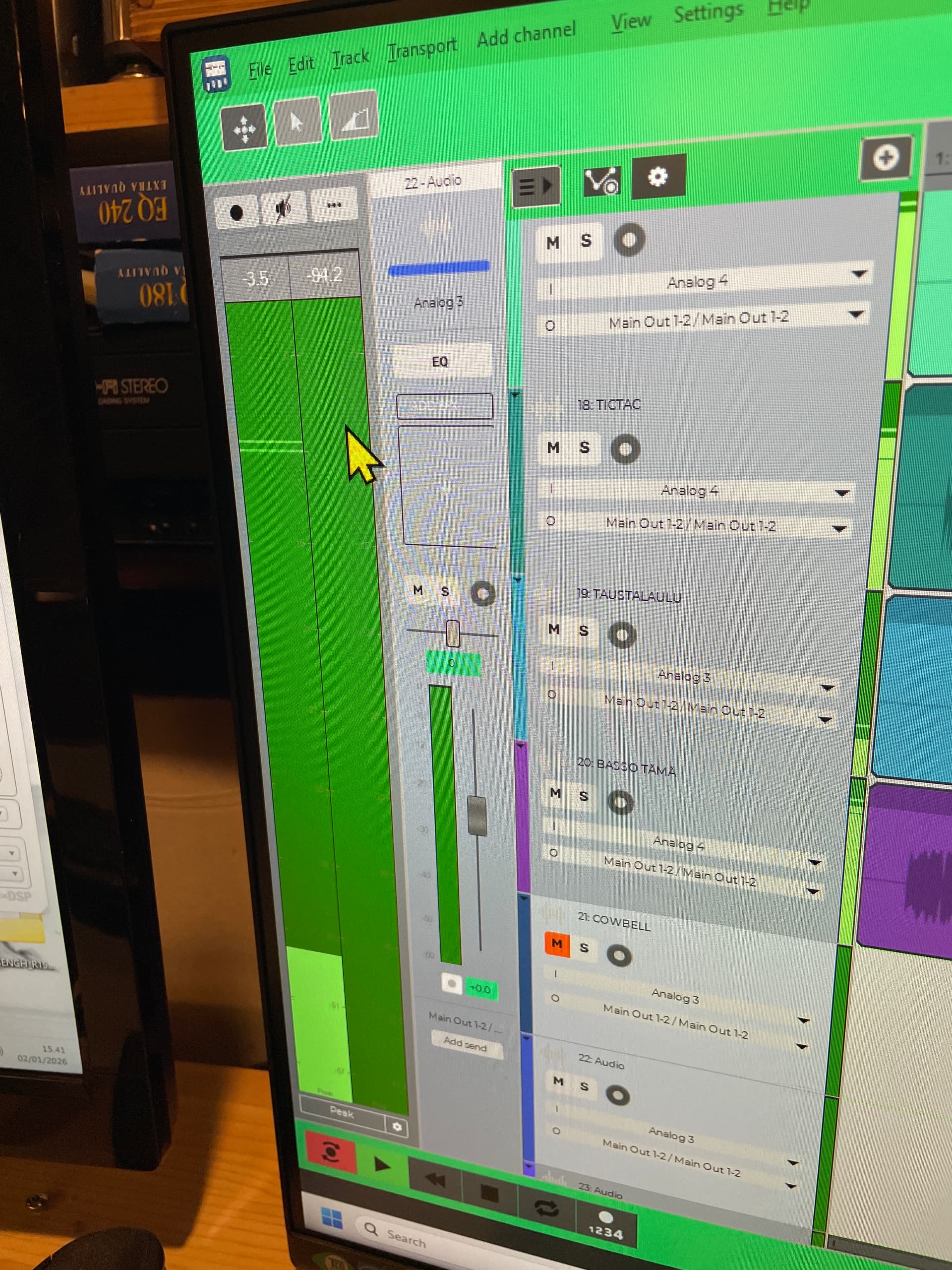
Hi, I wonder where have I lost the transport bar. The one that should have buttons for play, record, stop etc.
There’s a box in view that I can check but it doesn’t show up. Clicking it on and off, nothing anywhere. Restart the whole software, no help. Any hints, hidden key controls?
Edit: Actually, it seems I had this same problem earlier. But this doesn’t seem to work still.
I wasn’t able to reproduce any issue with the transport toolbar. Did you try the View → Toolbars → Transport toolbar menu command? Does it show a checkmark?
Another thing you can try is to close n-Track, then delete or rename the configuration files “n-track2_x64.cfg” and “n-TrackConfiguration2_x64.cfg” located in “C:\Users[your username]\AppData\Roaming\n-Track Studio 10” (I assume you’re on Windows), then restart n-Track.